
Standardized sample intake, in every lab.
Every kit that arrives is received, checked and documented the same way. One standard, built into the Samples App and our SOPs, so every lab works alike and every step is on record, in minutes.
- Delivered to the labUSPS scan
- Kit scanned into SamplesA. Lee
- 7 of 7 criteria metChecked by the app
- 4 Q-Strip photos documentedA. Lee
- Kit accessionedA. Lee
- Kit label printedZebra, bench 2
3 minutes from scan to label, every step recorded.
Illustrative exampleEvery kit, documented in the Samples App.
Lab staff run the whole intake in Samples, our app for iPad. It guides every step, photographs both sides of every Q-Strip on our stand and prints the kit label once the kit is accessioned. The same flow, in every lab.


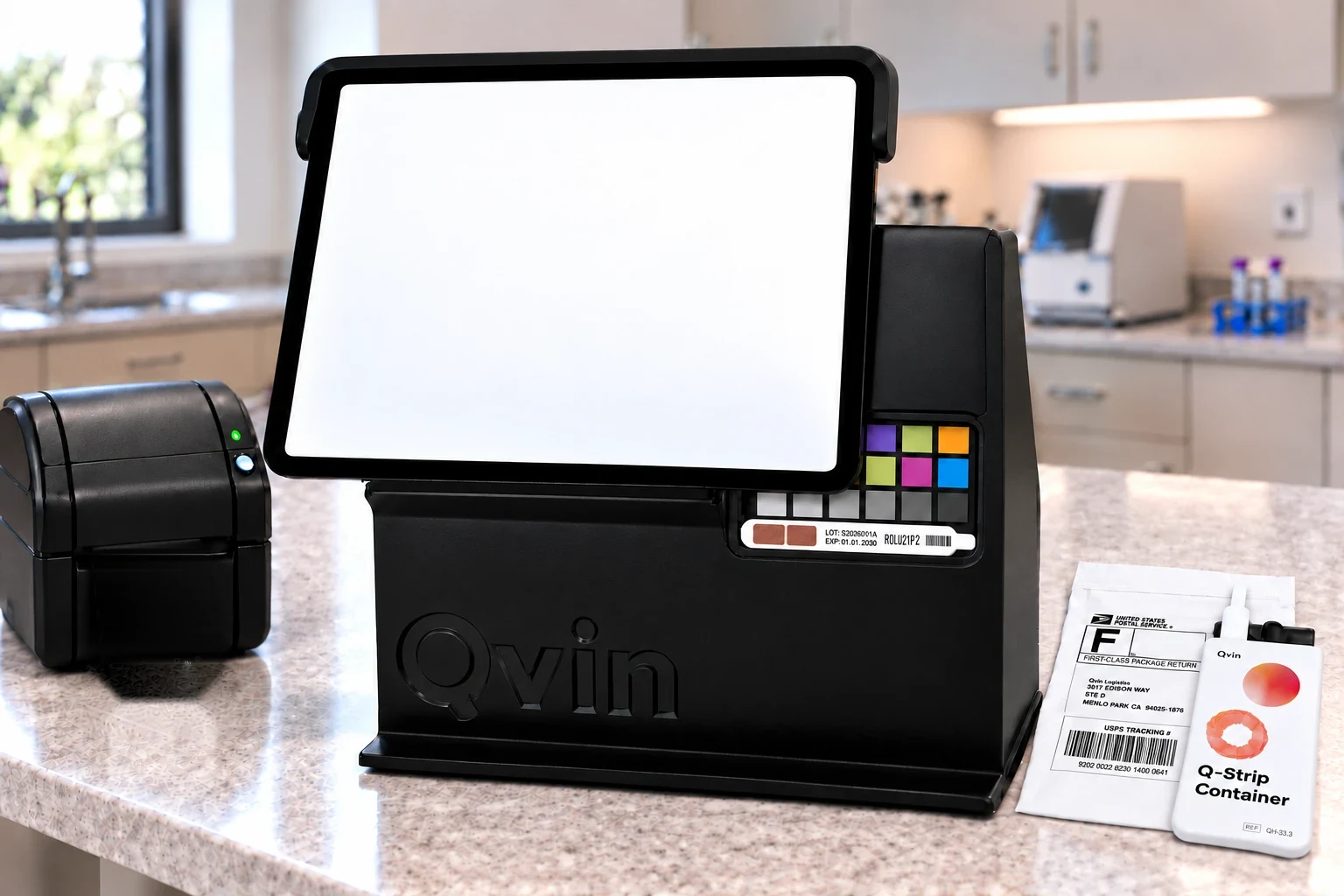



Animation: the technician photographs both sides of the Q-Strip in the Samples App, the kit is accessioned, and the label printer prints the kit label with the kit ID, the Q-Strip IDs, the collection date and the stability date.
Both sides on record
The barcode side and the sample side, photographed for every Q-Strip, on the same stand in every lab.
Barcode read from the photo
The app reads the Q-Strip barcode and checks it against the kit. A mismatch is flagged on the spot.
Stored with the sample
Every photo is saved to the sample record before any work starts.
A kit label, automatically
Accessioning prints the kit label on the lab’s Zebra printer: kit, Q-Strips, collection date and stability date, with a 2D barcode.
Clear criteria for every kit.
Scan the shipping label or the kit’s barcode, and the kit opens with its order, panels and collection times. Before anyone touches the sample, it is checked against defined criteria: it continues, or it stops with a recorded reason.
ContinuesThe kit is accessioned when
- The kit is within its expiry date
- The sample is within the stability window of every panel
- Every panel is approved by a physician
- The collection time is recorded
- Both Q-Strips are in their Q-Strip Container
- The Q-Strip barcodes match the kit
- The pouch is intact
StopsThe kit is set aside when
- The kit is expiredRejected
- The sample is outside its stability windowRejected
- The study is no longer activeRejected
- No Q-Strips in the container, or Q-Strips without itRejected
- The Q-Strip barcodes do not match the kitRejected
- The pouch is empty or damagedRejected
- A panel still waits for physician approvalQuarantined
- The collection time is unknownQuarantined
After a rejection, the kit gets a rejection label and the participant is offered a new kit in the Qvin app, automatically.