



Selected
Well covered with sample. Meets the acceptance criteria for the panel, and goes on to preparation.
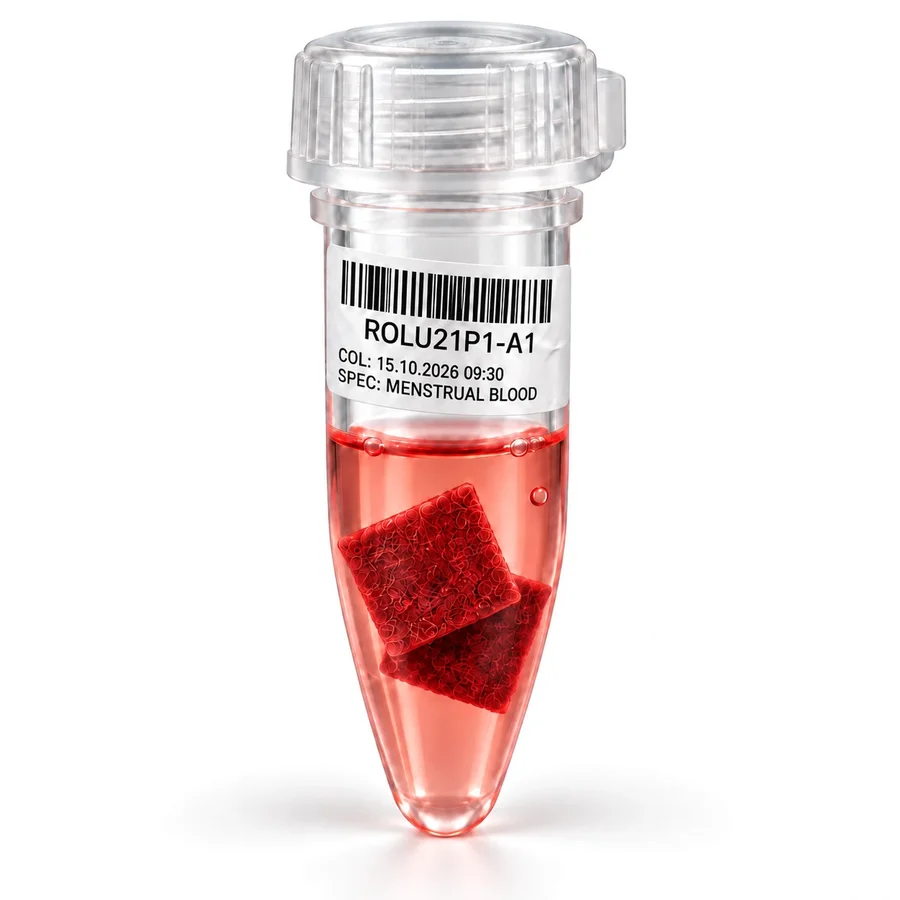
The lab selects the right Q-Strip against the panel’s criteria, runs the prep configured for that panel and labels every tube, the same way in every lab.
On one screen in Samples, the technician sees the kit’s panels, the prep configured for them and both Q-Strips with their photos from intake. Select the right Q-Strip, reject the other with a reason, and print the labels for every tube.


Animation of the Pre-Analytical page in the Samples App: Q-Pad 2 is rejected as Quantity Not Sufficient, Q-Pad 1 is selected, and the labels for the extraction tube and two aliquots print.
Each Q-Strip is judged against the same acceptance and rejection criteria, set for the panel’s prep. The best Q-Strip goes on to preparation, and a rejection always has a defined reason.
Well covered with sample. Meets the acceptance criteria for the panel, and goes on to preparation.

Only sparsely covered. Not enough sample to run the panel, and the reason is recorded with the kit.
The criteria are set for each prep configuration, so every lab judges a Q-Strip the same way.
We invented a new way to take sample material from the Q-Strip. Patent applications are filed, and it is already in use in Qvin Labs. How it works stays in our lab. What it does shows up in your data.